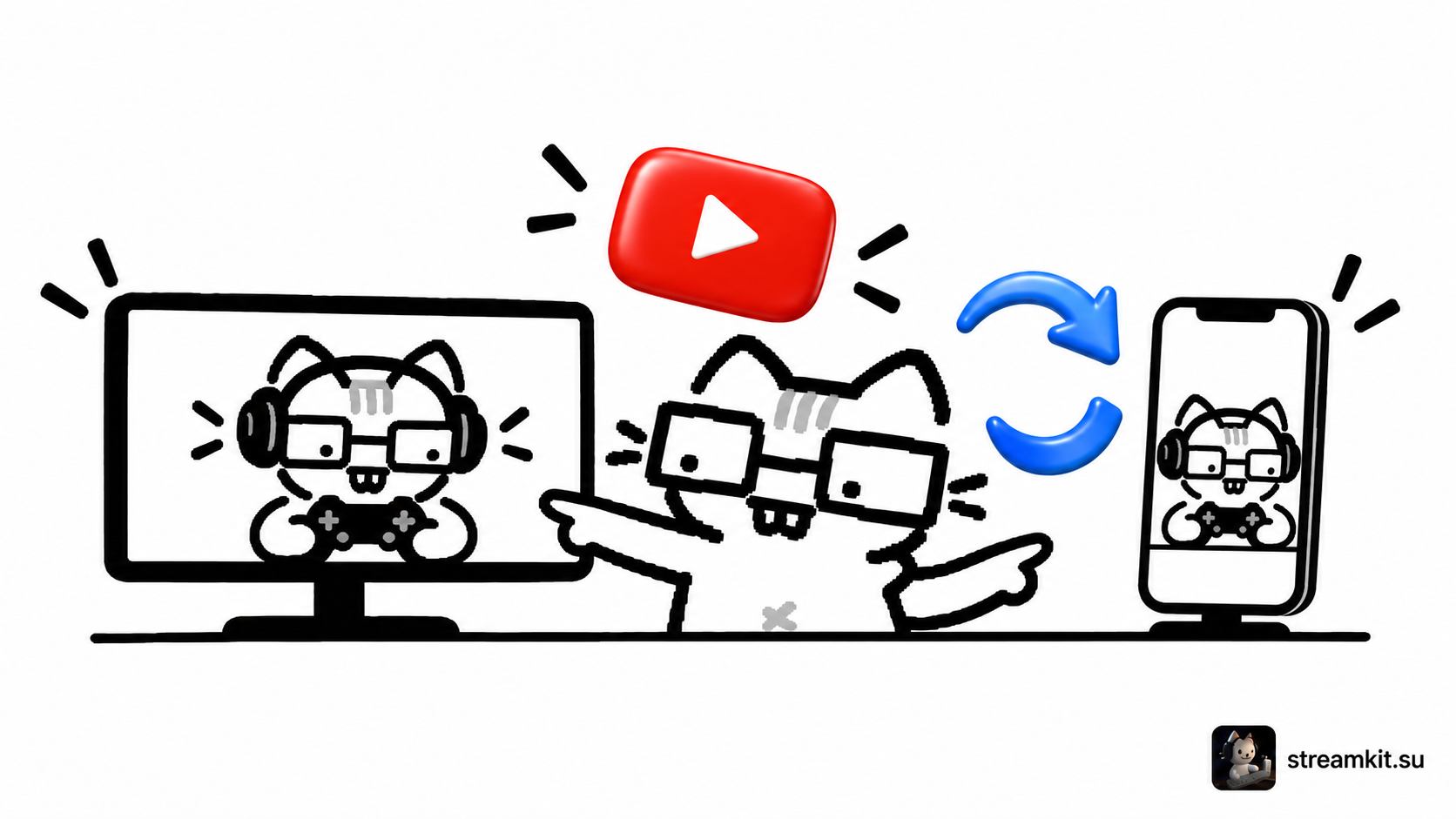
Horizontal and vertical YouTube live streams: prepare both frames
YouTube Live Control Room supports simultaneous horizontal and vertical streams. The vertical version may appear in the Shorts feed. Check it separately: cropping can remove the edges of…
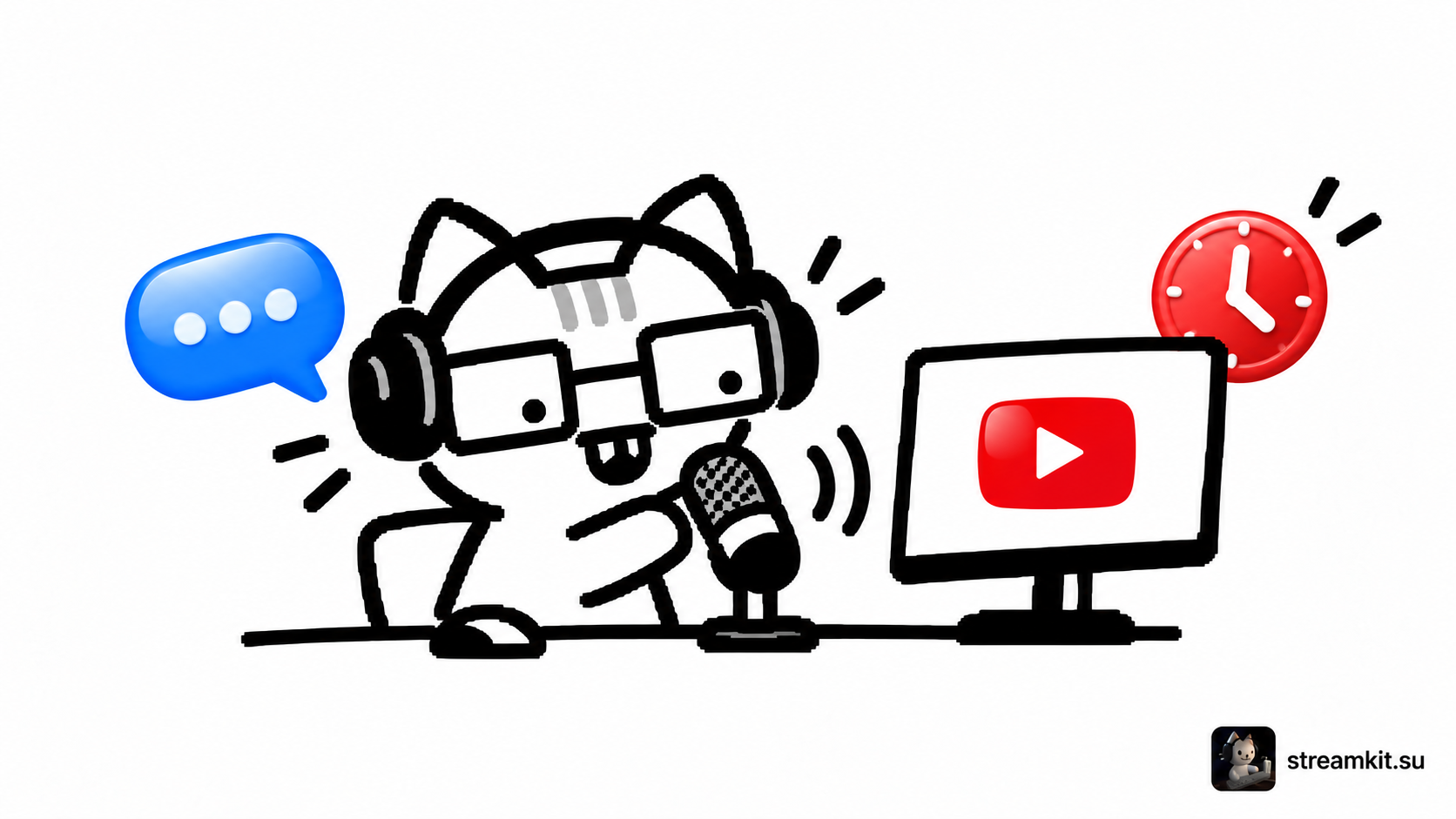
YouTube stream latency: normal, low, or ultra-low
Latency is the time between an event in front of the camera and its display to viewers. Lower latency makes chat easier but gives the player less buffered…
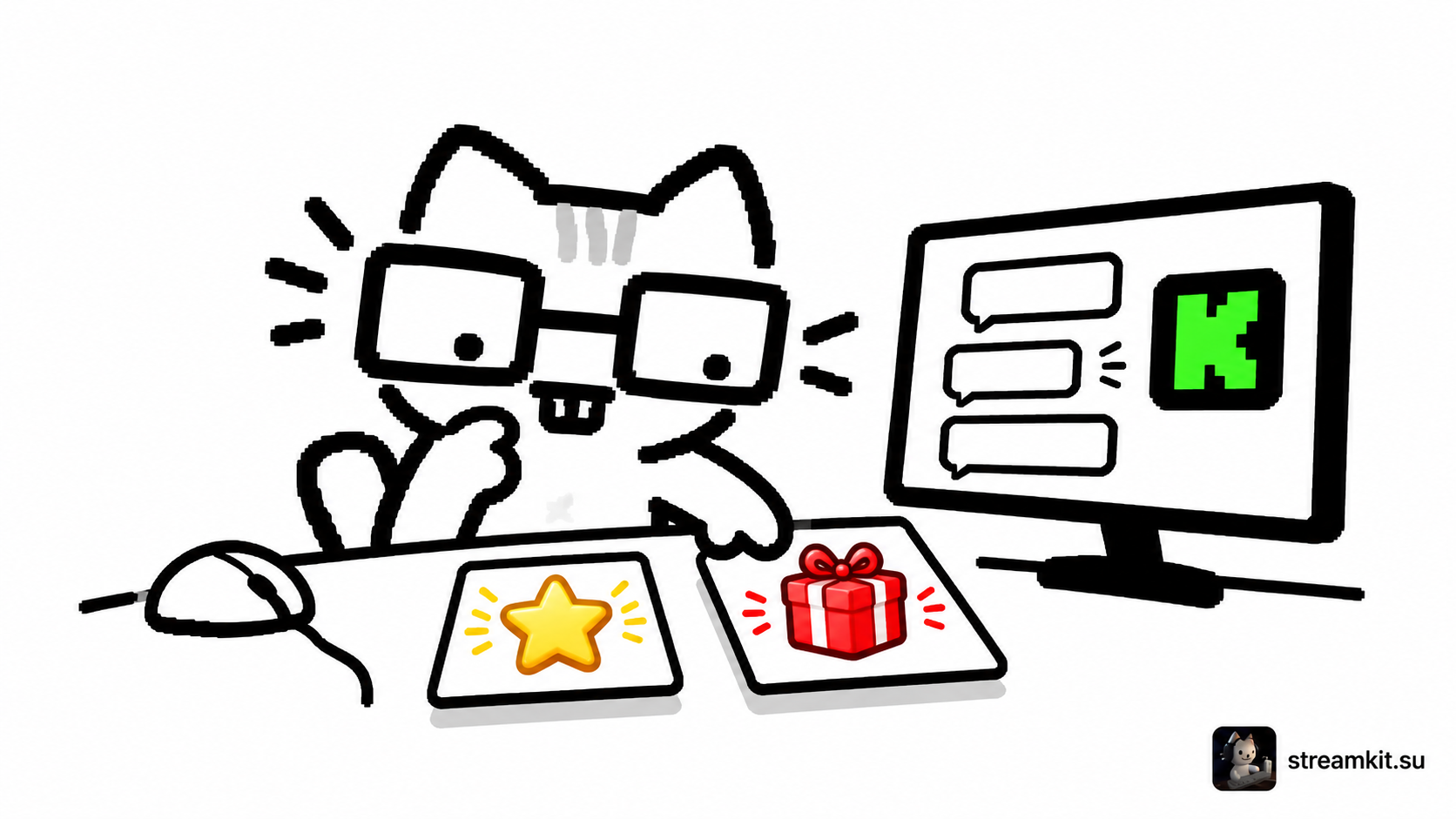
Kick channel points: rewards and the request queue
A points reward should be clear and feasible during your stream. Start with a simple action, such as choosing the next game mode that you are genuinely willing…
Your first Kick stream with OBS: connect and go live
You need the server address and stream key from your Kick dashboard. The key belongs to a particular channel: paste it into OBS without showing it on screen.…
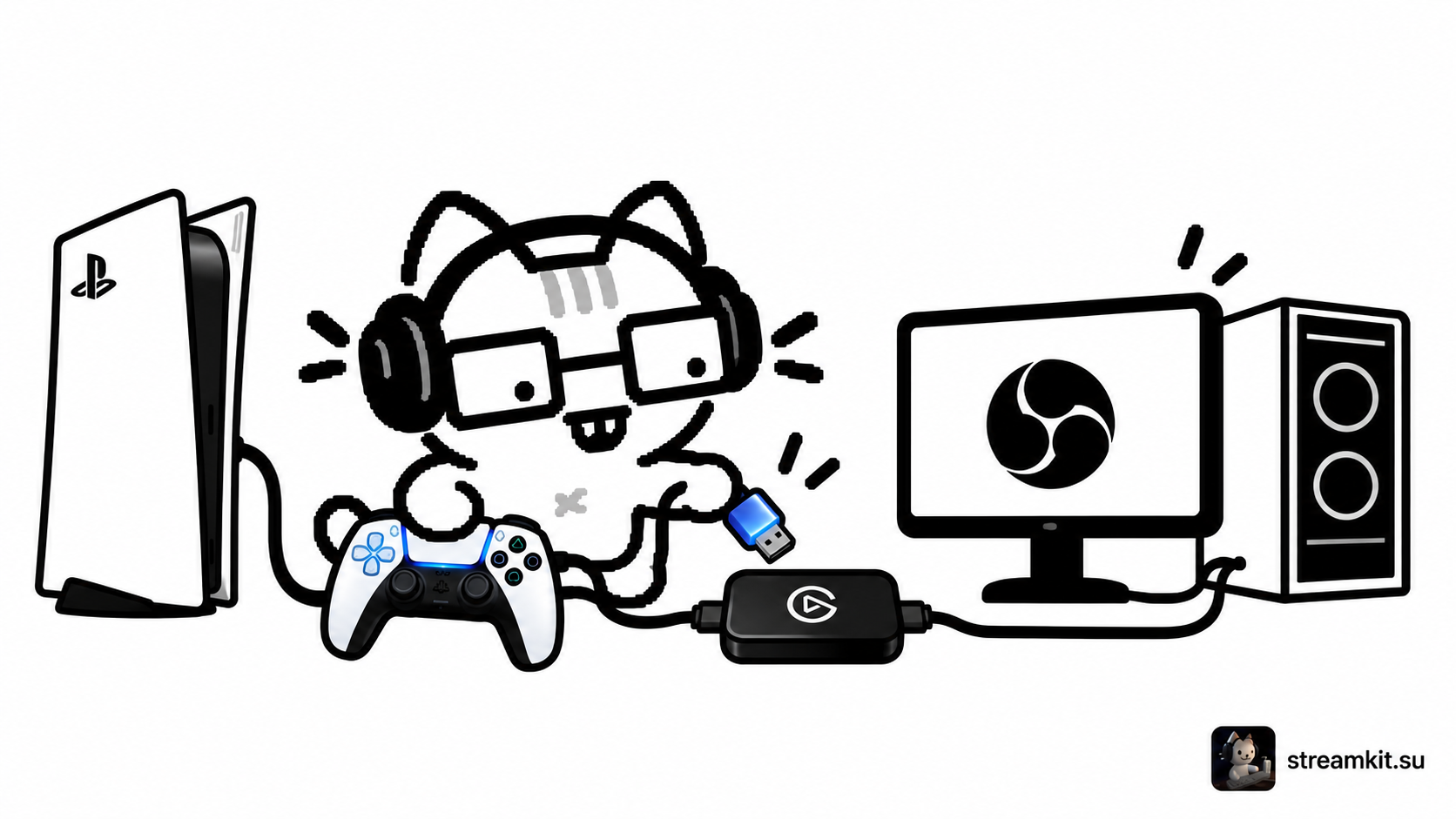
PlayStation 5 through a capture card: connect an HD60 X to OBS
A capture card sends console video to the computer while the TV remains your gameplay display. This example uses Elgato HD60 X: do not confuse its HDMI input…
Chroma key in OBS: remove a green background with clean edges
Chroma Key makes a selected color transparent. It works better with evenly lit backgrounds and clothing that does not match the removed color. Start by preparing the shot…
A DonationAlerts goal: amount, deadline, and stream widget
A goal widget shows what a fundraiser is for and how progress changes. Use a short title, clear amount, and deadline so viewers do not have to guess…
Custom Kick emotes: prepare files and upload them to chat
Emotes help viewers react to familiar stream situations. Start with a small set of clear expressions that remain distinct at a tiny size. Upload your set Kick accepts…
Cloudbot commands: answer frequent questions without repeating yourself
A chat command can show equipment settings or a useful link when a viewer asks. Start with one genuinely frequent answer rather than a long command list. Create…

 Twitch
 YouTube
 Kick
Kick
 VK Live