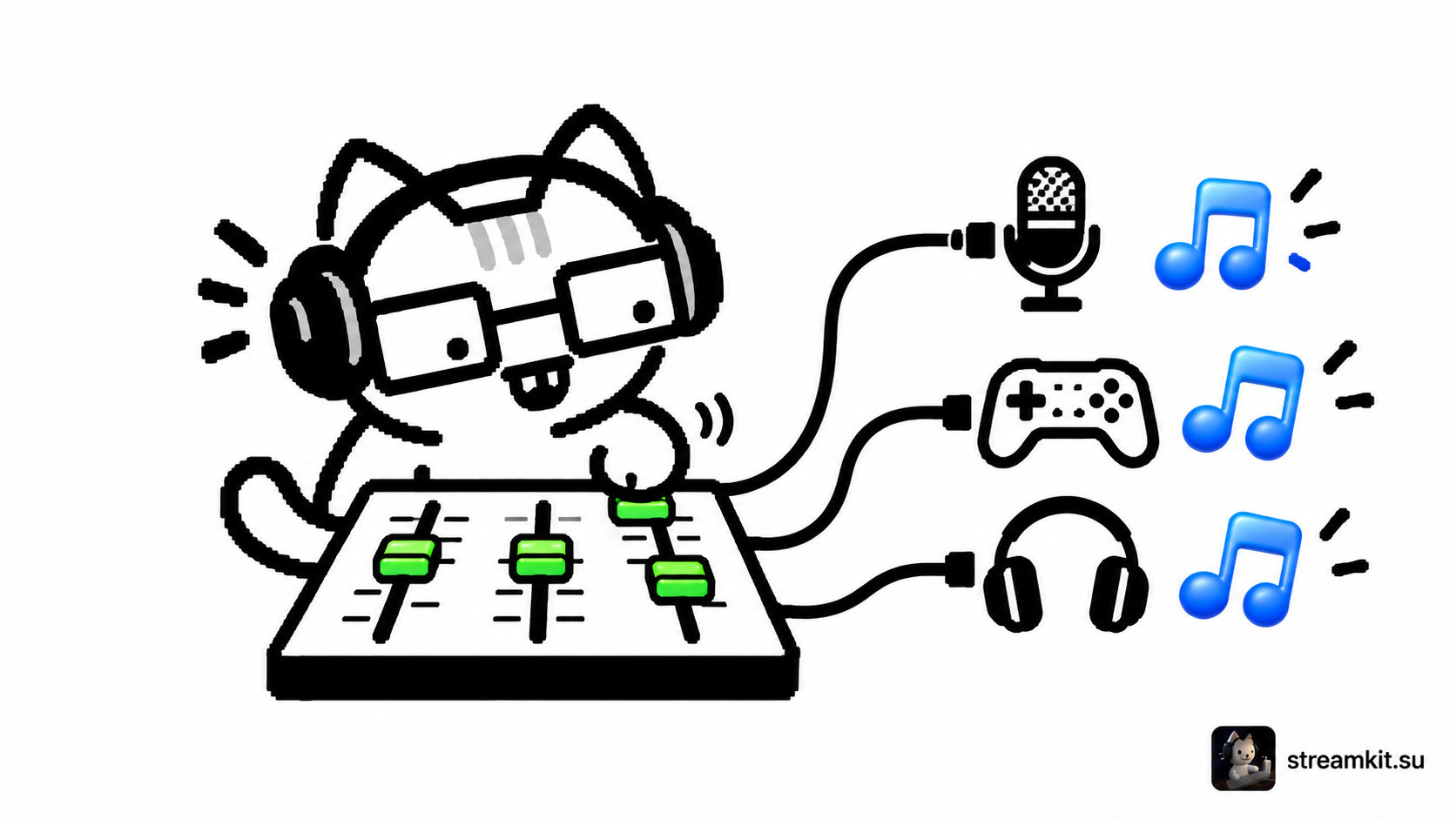
Separate audio tracks in OBS: voice, game, and Discord for editing
When voice and game audio are recorded together, adjusting their balance afterward is difficult. Separate tracks let you process each source independently while keeping a full mix for…
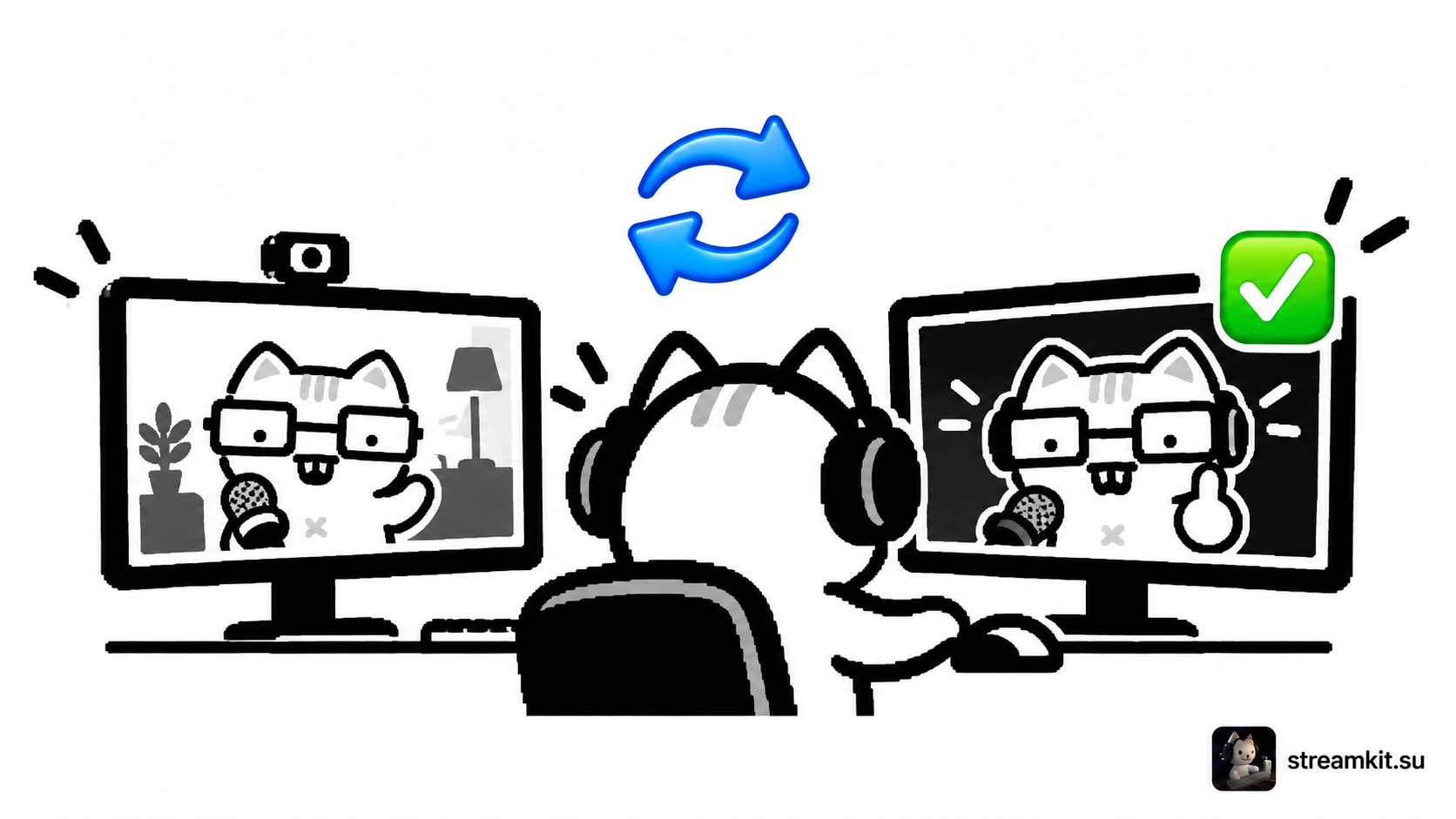
OBS Studio Mode: prepare a scene without showing edits to viewers
Need to adjust your webcam or prepare a break screen while streaming? Studio Mode separates your working preview from the picture viewers see. You can check changes before…
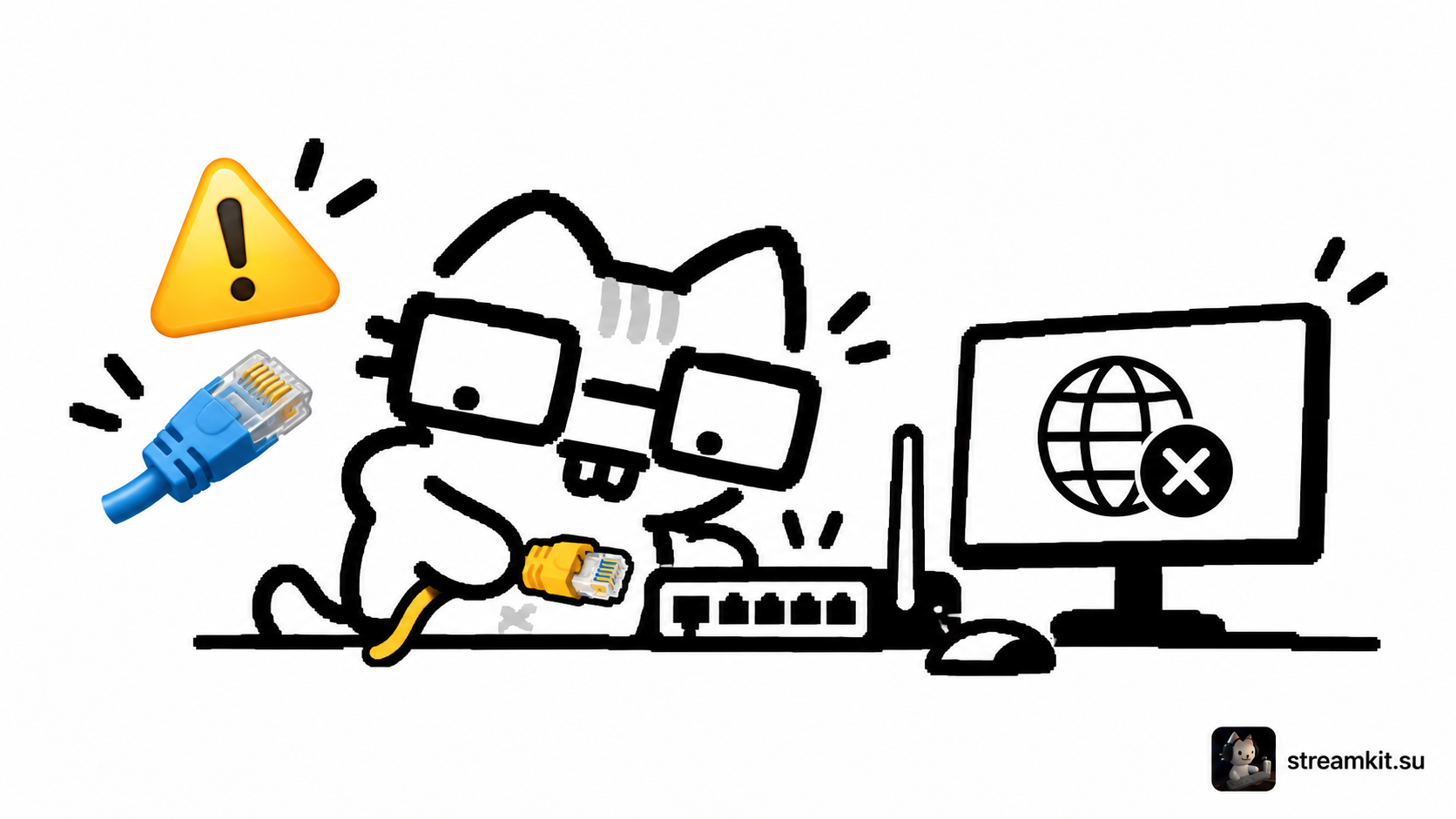
Stream disconnects or drops frames: diagnose connection problems
If your stream disconnects, first check which problem OBS actually reports. Frames lost during transmission, rendering overload, and encoder overload call for different checks. Lowering quality randomly may…
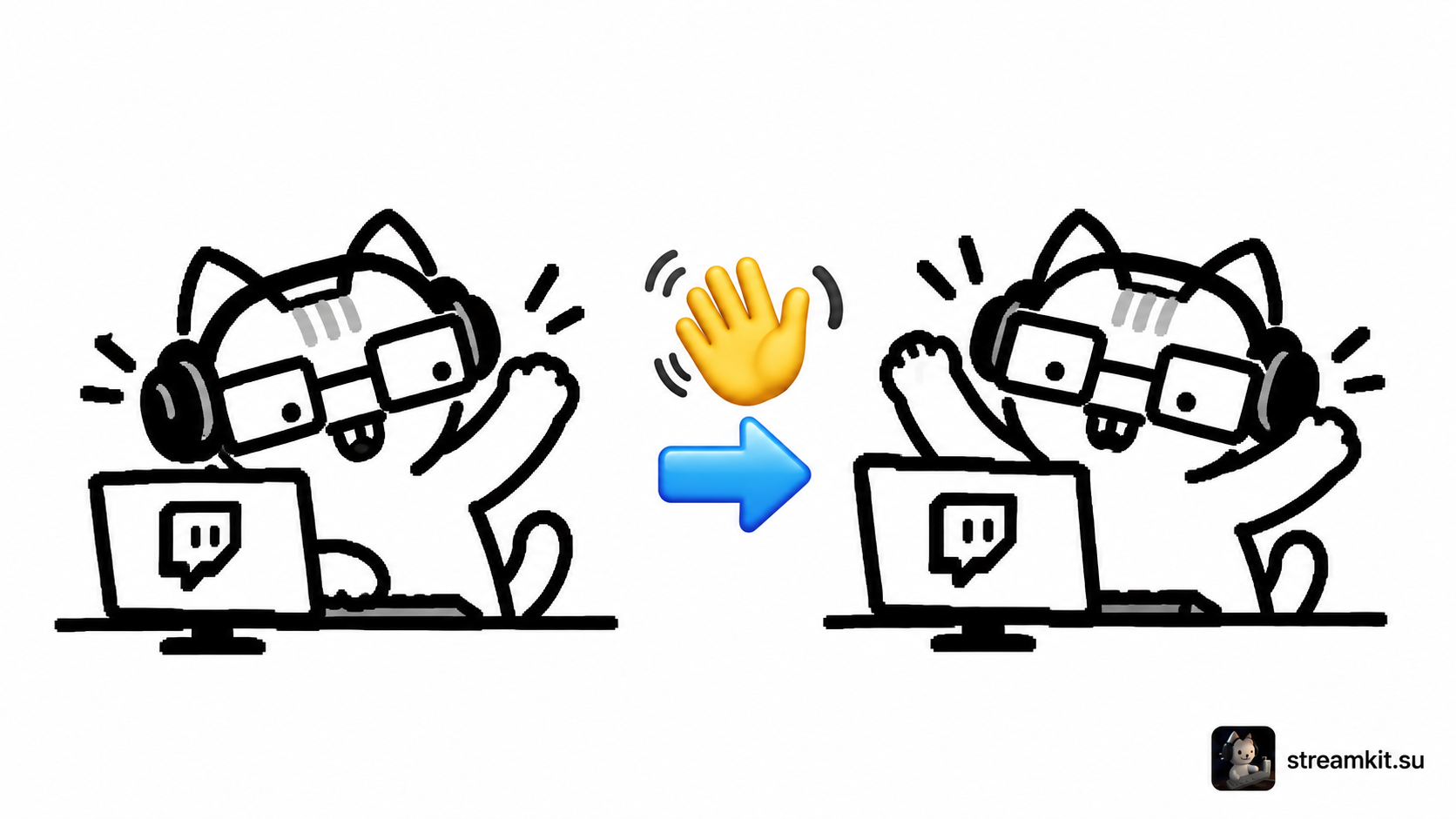
Twitch raids: choose a channel and welcome incoming viewers
A raid sends viewers to another live channel after your broadcast. It is a convenient way to introduce your community to another creator. Treat it as a recommendation…
Captions and a readable screen: make your stream more accessible
People watch streams on different devices and with different abilities. Some watch without sound, some struggle with small interface elements, and others listen instead of watching. A few…
Read Twitch analytics and test ideas across several streams
One stream with a large audience does not prove a new format is better than the old one. A raid, a different start time, or a special event…
What to post between streams: clips, short stories, and useful posts
A post between broadcasts can show what is interesting about your channel to someone who does not know your chat yet. You do not need to create a…
Twitch panels: clearly organize your channel information and useful links
Panels below the stream help a new viewer quickly understand who you are, when to watch, and where useful links are located. Their value lies in clear information,…
What not to show accidentally on stream: personal details, addresses, and notifications
Personal information can appear on stream through more than desktop capture. An address may be on a box behind you, a name in a notification, or a household…

 Twitch
 YouTube
 Kick
Kick
 VK Live