
 Twitch
 YouTube
 Kick
Kick
 VK Live
All posts
09.10.2026
39Custom Kick emotes: prepare files and upload them to chat
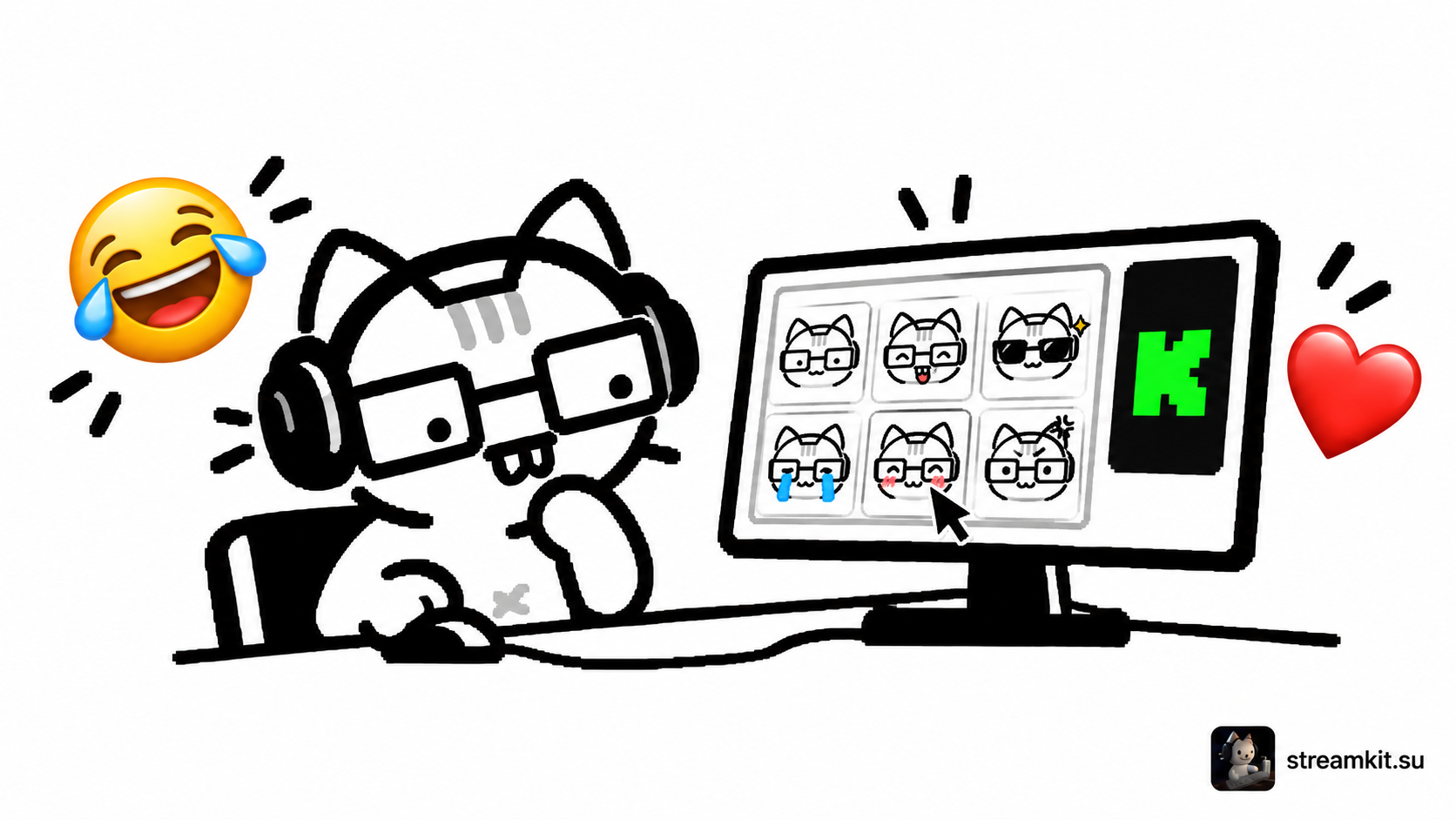
Emotes help viewers react to familiar stream situations. Start with a small set of clear expressions that remain distinct at a tiny size.
Upload your set
Kick accepts PNG or GIF files at 500 × 500 pixels and under 1 MB. Regular channel emotes are used in that channel’s chat; subscriber emotes are available to subscribers and can be used in other Kick chats.
- Prepare a readable image without tiny labels or unnecessary details.
- Open Streamer Dashboard → Channel → Community.
- Under Channel Emotes, press the add icon, select the file, and give it a clear name.
- Save the emote and send it in chat to test it.
Distinguish emote types
Subscriber-only Emotes is a separate section unlocked with the appropriate channel status. Uploading a regular emote does not make it subscriber-only.
Check the actual chat size. A detail visible in the editor may disappear in a small image.
Before adding more
- The file matches the size and format requirements.
- The name is easy to remember and type.
- The reaction makes sense without a long explanation.
Start with reactions already natural to your stream. To remove an unwanted emote, hover over it in Community and choose the trash icon.