
 Twitch
 YouTube
 Kick
Kick
 VK Live
09.10.2026
37Cloudbot commands: answer frequent questions without repeating yourself
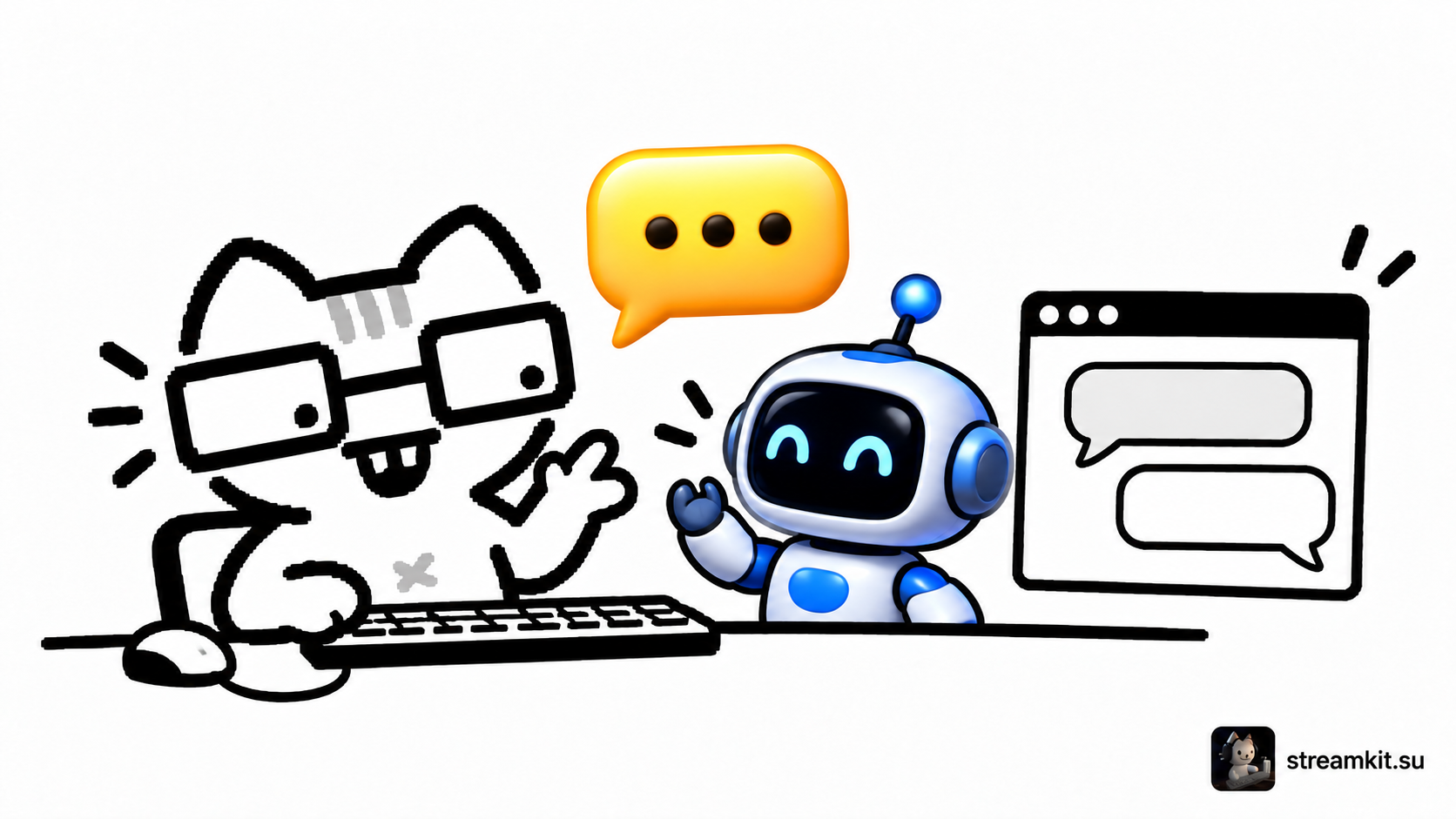
A chat command can show equipment settings or a useful link when a viewer asks. Start with one genuinely frequent answer rather than a long command list.
Create your first answer
In Streamlabs, enable Cloudbot for the connected channel. A short name such as !setup works well for an information command.
- Open Commands → Custom and add a command.
- Enter its name and a short response with the required information.
- Choose Reply In → Chat for a public response and set Permissions for the intended audience.
- Save the command and call it in your channel chat.
Check variables and access
Variables replace text inside braces with data. For example, {channel.name} represents the channel name. Use an available template and test substitution before creating complex responses.
If the bot is silent, check the connected channel and permissions. Command availability also depends on the selected Permissions.
Review the answer as a viewer
- The intended users can call the command.
- The response contains no unresolved variables.
- Links and information are current and the message is readable.
Update the answer when equipment or rules change. If several commands answer the same question, keep a clear main option so viewers do not have to guess the name.