
 Twitch
 YouTube
 Kick
Kick
 VK Live
21.06.2026
212Beginner Mistakes on Twitch and How to Avoid Them
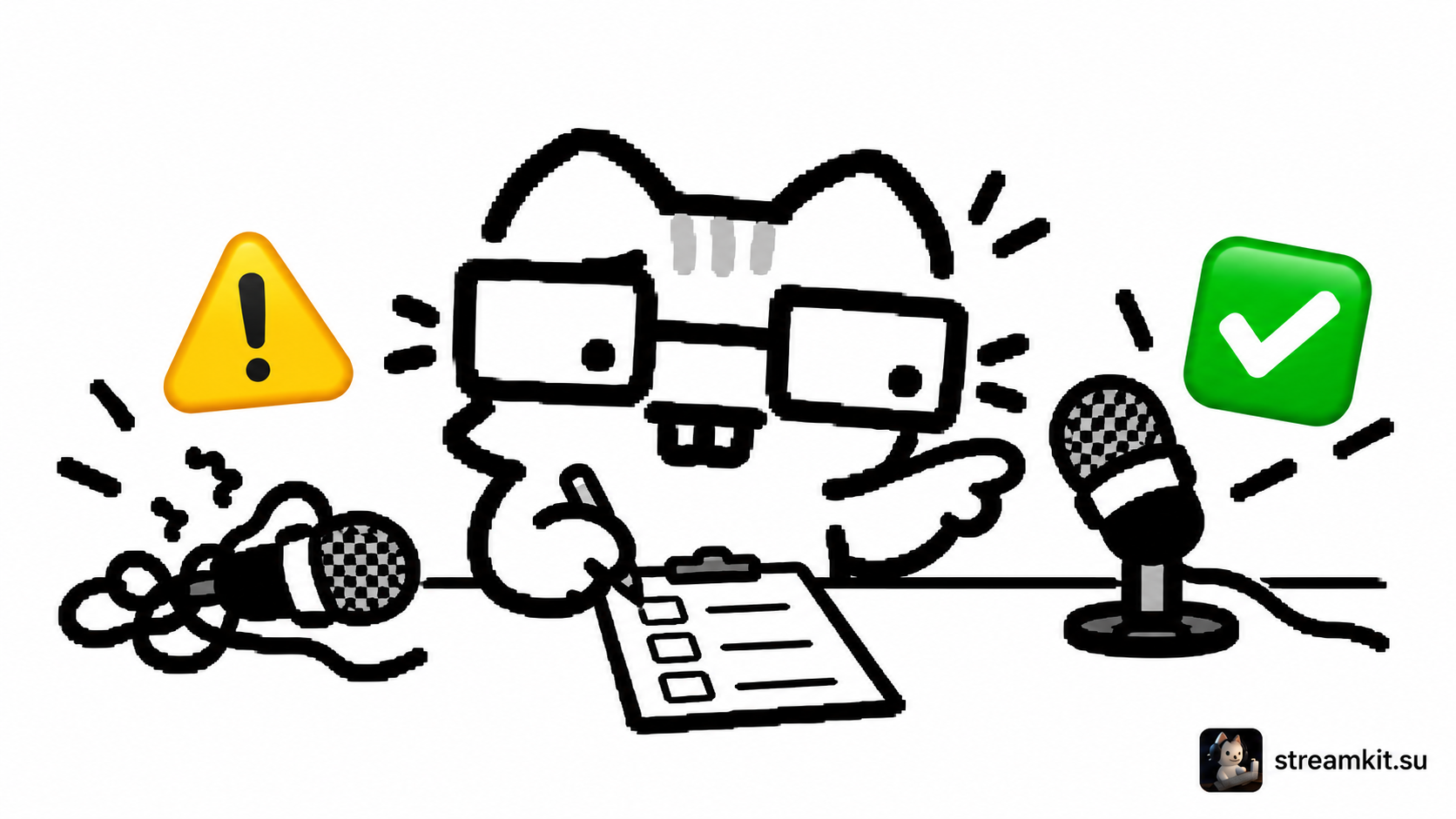
Your first streams mean playing, monitoring the broadcast, and talking to people you cannot see at the same time. Mistakes are possible in that setup. A few manageable checks are more useful than trying to make everything perfect or judging every broadcast by viewer count.
Here is a practical approach for a new channel. It does not promise growth or replace platform requirements; it helps you notice problems you can fix yourself.
Checking audio only by its meter
The microphone bar moves, but your voice may be quiet, distorted, or drowned out by the game. Before going live, make a short local recording: normal speech, a loud gameplay moment, and a switch to the break scene. Listen through the device you actually use.
Repeat the check after changing a scene or connecting another microphone. If you discover a problem live, pause with a clear sentence: “I’m checking the audio; I need a minute.” Then ask about one specific sign: “Can you hear my voice over the game now?” instead of the vague “Is everything okay?”
Waiting for chat to start the conversation
Prepare today’s goal and three short topics. Explain choices in the game: “I’m saving this resource for the next stage because there won’t be a refill.” A pause is fine during a demanding moment; return to commentary afterward.
When someone writes for the first time, provide context: “Hi! This is our second attempt; we’re testing a different route.” Do not require quiet viewers to introduce themselves or explain why they are not participating.
Checking the viewer count after every event
Viewer count alone does not explain why someone arrived or left. If frequent checks distract you, remove the counter from view while playing. Afterward, review a specific moment: was your voice audible, was the task clear, and what happened during the pause?
For the first review, select one short recording segment instead of the whole stream. Write down one fixable issue: “At the start of a new attempt, explain the challenge rule.” The next task will then be clear.
Copying a format without considering your resources
A tournament with dozens of participants or a long broadcast may require preparation you do not yet have. Narrow the idea to one match, one guest, or one segment. Check whether you can explain it and run it with an inactive chat.
Connect your game choice to your own goal too. If learning interests you, pick a section you can analyze. If conversation matters, prepare a calmer section. A popular category does not itself guarantee a stream that suits you.
Promising a schedule that does not fit your week
Include preparation and wrapping up, not just broadcasting time. State the time zone and an approximate end. If you need a break, update the schedule and tell viewers when the next plan will appear. Rest should not become a broken promise to stream endlessly.
Before your next broadcast, check four things: you listened to the audio, stated the goal, prepared backup topics, and chose the finishing time. Add new checks based on real channel problems—one at a time, so the list remains manageable.