
 Twitch
 YouTube
 Kick
Kick
 VK Live
08.10.2026
65How to Keep Talking on Stream When Chat Is Quiet
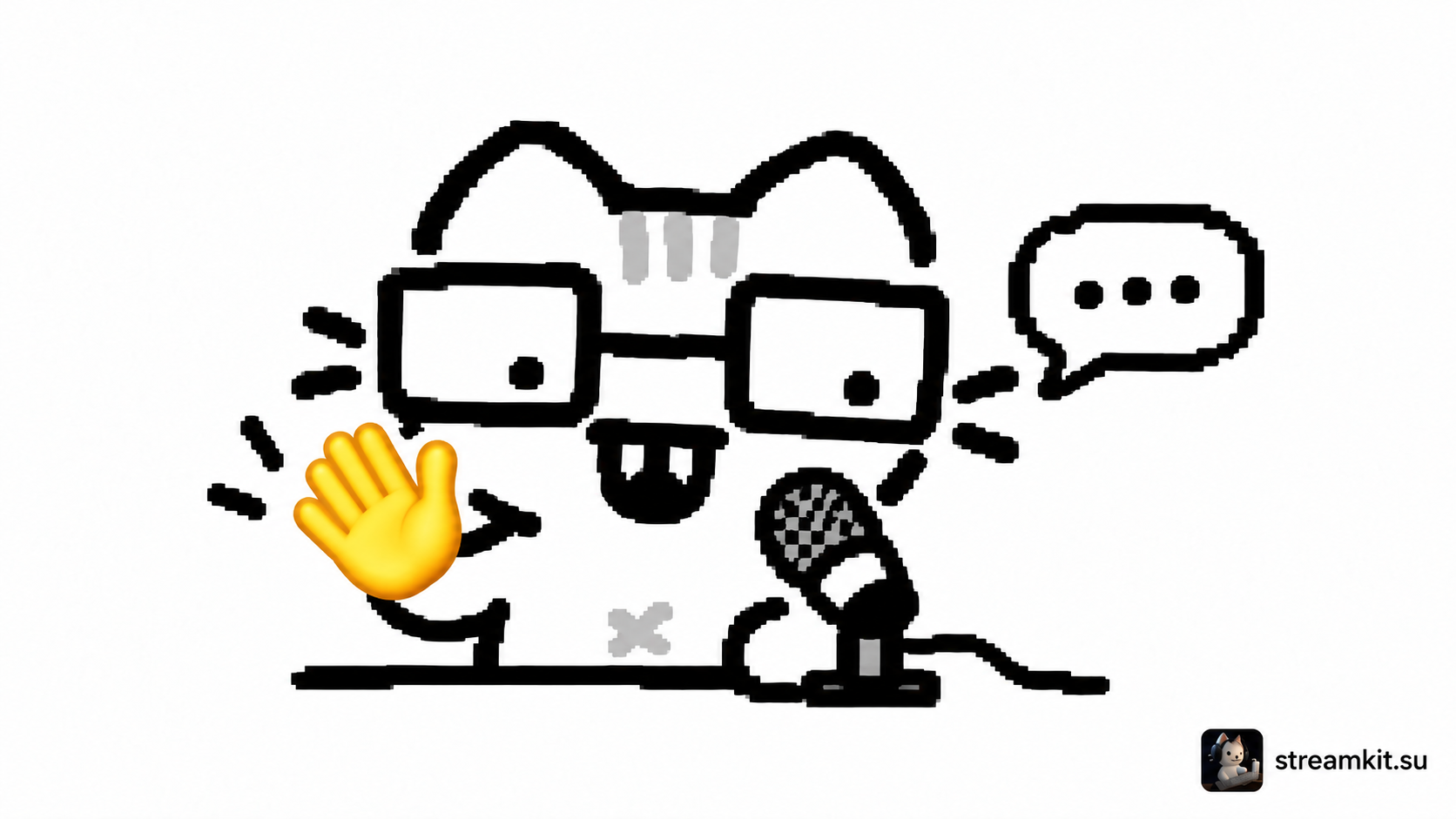
You start the game, say hello—and get no messages. It is easy to wait: first a viewer will arrive, then a conversation will begin. Try reversing that order. Run the stream so that someone joining halfway through a match can understand what is happening without taking part in chat.
You do not have to speak every second. A few reliable prompts can help you return to talking after concentrating on the game. The following approach is practical for your first streams; adapt it to your own pace.
Explain the decision, not just the action
“I’m going right” repeats what is already on screen. Add a reason: “I’ll go along the right side: there’s less open ground. If the enemy already holds the passage, I’ll fall back to the stairs.” This creates a short sequence: what I am doing, why, and what I expect.
This works outside games too. An artist can explain a color choice, a programmer the next troubleshooting step, and a talk show host why they chose a topic. If speaking during an action is difficult, explain the decision immediately afterward.
Before a demanding moment, announce the pause: “This part is tricky; I’ll focus for a moment. Then we’ll look at how it went.” That is a clear transition, rather than a promise to speak continuously.
Keep three backup topics nearby
Write down a few points related to today’s stream that do not need a response from anyone else. For example:
- What you want to test in the game and why it did not work before.
- A short story about how you first discovered this genre.
- One technique you recently learned and can demonstrate.
Do not prepare a long monologue for every point. An opening sentence and one example are enough. When the story ends, return to the screen: “Now I’ll try that technique here.”
Ask a question you can continue from
Instead of “Why isn’t anyone typing?”, offer a simple choice: “Would you take the fast route or the safe one? I’ll take the safe one for now because I’m low on health.” An answer may come later, while the stream continues.
If someone replies, respond and connect it to your commentary: “Yes, the fast route is shorter. I once lost all my progress there—let me show you the dangerous spot.” You do not need to turn every message into an interview. Just show that you noticed it.
Do not call quiet viewers out by name from the viewer list. Greet people who choose to join the conversation. Someone may be listening in the background, doing other things, or simply not want to type.
Practice before the next stream
Record five minutes of gameplay without broadcasting. Choose one calm moment and one demanding moment. After watching, note where commentary added meaning, where you repeated the obvious, and where a pause made sense.
Take just one task into your next stream: for example, explain the reason for a decision before each new attempt. That keeps the exercise manageable and lets you evaluate your speech without tying the result to chat activity.